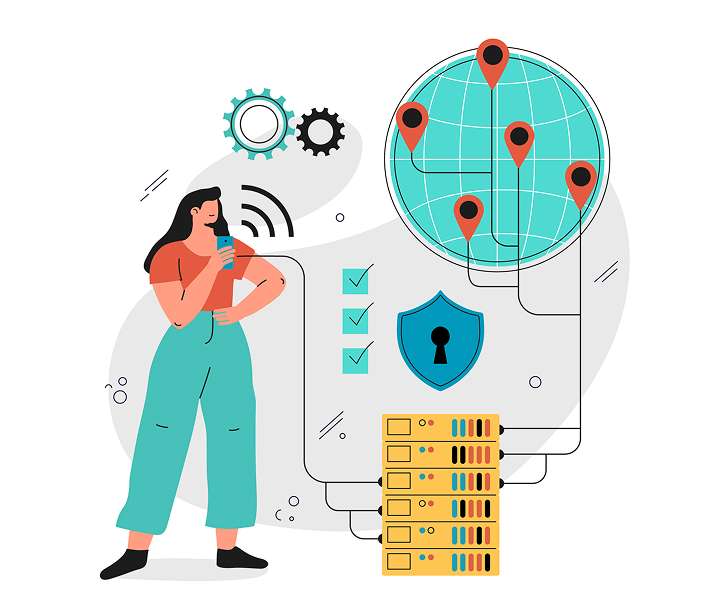
NeoDesk is employee monitoring software from Neork Technologies that helps organisations track employee computer activity, improve productivity visibility and strengthen device security. A lightweight background agent on each employee’s computer securely collects activity data and sends it to a central server, where administrators view it on a simple, user-friendly dashboard.
NeoDesk goes beyond activity tracking. It organises and analyses data to show which applications are active, how computers are used and how internet access is handled. Administrators can block or flag websites, get alerts when restricted sites are accessed, and enable or disable USB ports. It works well alongside Neork’s Time and Attendance and Shift Management software.
Powerful Features for NeoDesk (Employee Monitoring System)
Efficiently track employee activities and productivity with real-time insights for better workforce management.
HID Activity Tracking
The feature watches mouse and keyboard activity in real time, understands whether a user is active or inactive, detects fake or automated input patterns, and connects all activity to the app the employee is currently using.
Application Usage Monitoring
It tracks which applications employees use and how long they use them. Furthermore, it measures how much interaction happens inside each app, helping you clearly see where time is spent.
Network Traffic & Website Monitoring
Internet usage by tracking visited websites, active connections, downloads, and data usage, while also identifying which application is responsible for the activity and filtering out unnecessary background domains.
USB Device Control
This feature keeps track of USB devices being plugged in or removed, classifies the type of device, can block unauthorized devices and record every action of USB port
Time & Attendance Tracking
Employee check-in and check-out times, calculate active and inactive working hours. Moreover, it helps avoid duplicate entries and shows everything clearly on a dashboard.
Website Policy Enforcement
Administrators can flag or block specific websites, send alerts when restricted sites are accessed, and apply company-wide or individual policies easily.
Network Discovery
The system scans the local network to find active client machines, automatically registers them with system details, and allows manual scanning whenever needed.
Audit Logging
A complete history of all important system events, such as policy changes, USB activity, attendance records, and alerts, making it easy to search and review actions later.
Real Time Alerting
This sends real-time alerts when employees access flagged websites or connect a USB device.
FAQ (Frequently Asked Questions)
What is NeoDesk?
NeoDesk is an employee monitoring and activity tracking software developed by Neork Technologies that helps organizationsmonitoremployees’ computer usage, internet activity, application usage, and device security from a centralized dashboard. By using NeoDesk, you can disableUSB ports to protect file transfer using pen drives and external drives and only allow HID inputs like keyboard and mouse. It also records the activity of connected USB devices.
How does NeoDesk work as an employee monitoring software?
NeoDesk works by installing a lightweight monitoring agent on employee systems. The software securely collects activity data such as application usage, browsing activity, system status, and device access, then sends it to a centralized server where administrators can monitor and analyze the information through a user-friendly dashboard.
Is NeoDesk secure for organizations?
Yes. NeoDesk is designed with security-focused monitoring features that help organizations control system access, monitor device usage, and restrict unauthorized activities. Features like website blocking and USB port management help strengthen enterprise security.
Ready to Work Together?
We'd love to hear about your project and discuss how we can help bring your vision to life. Get in touch with us today to start the conversation.