
AI Video Analytics for Business:
A Practical Guide to Smarter
Operations
Most businesses already have cameras. The challenge is that hours of footage are difficult to review, search, and act on. AI video analytics turns live and recorded video streams into searchable events, timely automated alerts, and actionable operational insights—enabling teams to focus only on moments requiring human attention.
What is AI video analytics?
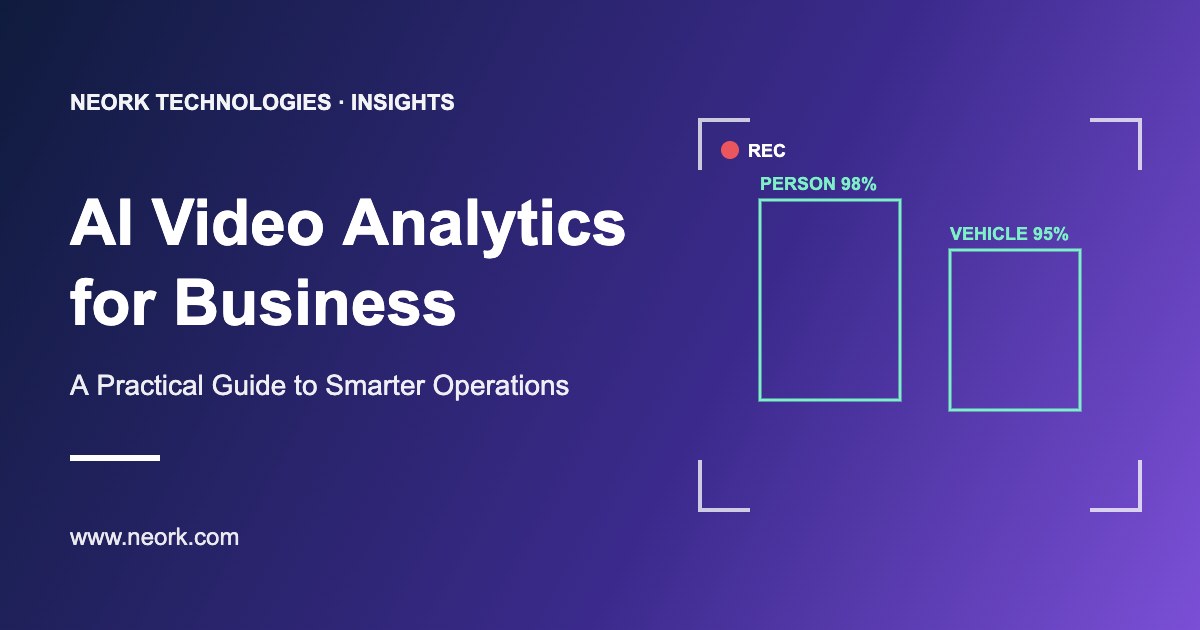
AI video analytics uses computer vision models to identify defined objects, actions, or conditions in real-time or recorded video streams. Depending on your operational objectives, a computer vision pipeline identifies people, vehicles, queues, unauthorized entry, safety-equipment compliance, restricted-area presence, or abandoned objects.
The truly useful output of modern video analytics is not simply a raw detection label. It is a workflow-ready event. For instance, a facilities or corporate security team receives an alert that specifies exact camera telemetry, verified timestamp, a short 5-second video replay, and the specific heuristic rule that triggered the notice. An authorized team member reviews the event in seconds and takes precise operational action.
Object Detection
Classifies people, delivery trucks, machinery, and helmets with precision.
Operational Logic
Translates spatial rules: queue dwell times, zone geofencing, and schedule triggers.
Workflow Alerts
Delivers contextual clips to dispatchers, guard tablets, or ERP pipelines in seconds.

Where can businesses use video analytics?
The best use cases begin with a clear operational question, not with a generic feature catalogue. Organizations deploy computer vision across industrial facilities, distribution centers, corporate headquarters, and retail networks.
Security Monitoring
Flag after-hours movement, perimeter breaches, or unauthorized access in restricted areas, transforming passive surveillance into proactive monitoring.
Workplace Safety & Compliance
Identify unsafe behavior, unsafe personal movement, missing PPE gear, restricted-personal-area breaches, and spot-check violations.
Retail & Visitor Experience
Measure queue wait times, calculate foot-traffic density across merchandising aisles, and understand where visitors abandon checkout delays.
Warehouse & Logistics
Track forklift movements, identify loading-bay bottlenecks, monitor staging zones, and recognize emergency egress pathways.
Manufacturing Environments
Detect predefined assembly deviations, monitor high-speed conveyor jams, track machine operating states, and trigger automated alerts during critical line faults.
"The same camera feed can serve different goals, but each goal should have its own rule, owner, and response process. Trying to detect everything at once usually produces noise rather than value."
— ARCHITECTURAL PRINCIPLE, NEORK AI SYSTEMS GROUP
How does an AI video analytics workflow work?
A scalable and robust setup normally follows five methodical operational phases:
Capture video from suitable cameras
Existing IP cameras are frequently reusable without costly hardware replacements. However, camera placement angle, dynamic frame resolution, site lighting, and network latency determine inference accuracy.
Analyse the stream
A dedicated computer vision model evaluates frame sequences for the exact objects, boundaries, or anomalies relevant to the operational objective.
Apply business rules
The platform computes spatial and temporal rules: geo-fenced movement during off-peak shifts, presence exceeding 120 seconds in restricted vaults, or high-risk directional traffic.
Create an event or alert
The system dispatches a rich push alert, lightweight video snippet, and location snapshot to the verified operations console, mobile application, or security operations center.
Review and improve
Teams validate alerts in real time, log actions, and provide feedback so the loop can refine detection thresholds, minimizing nuisance alerts.
Start with a proof of value, not a full-site rollout
For many enterprises, the strongest and most cost-effective first step is a focused proof of value (PoV) deployed across a single workflow or choke point. Target a friction point that is frequent enough to measure rigorously and impactful enough to justify automation — such as repeated dock bottlenecks or unlogged entry after 9 PM.
Proof-of-Value Verification Checklist
Privacy, governance and trust matter
Video analytics must be implemented with strict proportionality, clear ethical boundaries, and role-based data safeguards. Transparent governance ensures compliance with data protection standards while maintaining employee and client confidence.
Defined Purpose
Explicitly document permitted analytical objectives per feed — avoid open-ended surveillance creep.
Role-Based Access
Granular permissions dictate who can review full footage, trigger clips, or anonymized heatmaps.
Retention Policies
Automate purged retention routines for non-incident media in accordance with local regulations.
Audit & Bias Checks
Regular audit routines to inspect false trigger rates, model drift, and lighting discrepancies.
How to choose an AI video analytics solution
When evaluating vendors or internal builds, look beyond polished pre-recorded marketing demos. Apply this seven-question evaluation framework to real production environments:
Can it work with your existing cameras and network?
Ensure support for standard RTSP/ONVIF streams without mandating proprietary, closed-box hardware.
Which exact events can it detect in our real site conditions?
Verify performance under nighttime glare, rain, steam, dust, and dynamic indoor factory lighting.
Can we configure zones and schedules without an engineer?
Operations managers should have visual polygons and schedule matrices to adjust alert parameters in seconds.
How are alerts delivered to existing systems?
Look for standard Webhooks, MQTT, REST APIs, or out-of-the-box Slack, Teams, and SMS integrations.
Where is video processed and stored?
Choose between Edge appliance compute (near-zero bandwidth) and Cloud GPU clusters based on privacy needs.
How will false positives be handled post-deployment?
Active feedback mechanisms allow continuous model fine-tuning with local scene characteristics.
Is there an ongoing SLA and maintenance cadence?
Ensure model weights and OS security layers receive automated, verified maintenance updates.
FAQ (Frequently Asked Questions)
Does AI video analytics replace security staff?
No. It can reduce the time spent reviewing routine footage and help teams prioritise events, but people are still needed to verify context and take appropriate action.
Can AI video analytics work with existing CCTV cameras?
Often, yes. Compatibility depends on the camera type, stream quality, placement, network capacity and the intended use case. A site assessment should confirm suitability.
What is the best first use case for AI video analytics?
Choose a clearly defined, measurable problem with an identified owner and response process. A small pilot is usually the best way to validate technical performance and operational value.
Ready to Work Together?
We'd love to hear about your project and discuss how we can help bring your vision to life. Get in touch with us today to start the conversation.
